What Are the Best China Rackmount PCs for Global Buyers?
Choosing the best China Rackmount Pcs for global buyers requires more than comparing processor names and purchase prices. A reliable system must fit the intended rack, workload, power standard, and operating environment. Buyers should examine chassis depth, rail compatibility, airflow direction, storage options, and remote management features before approving a supplier.
In practical deployments, small details often decide long-term value. A 1U server may save space, yet its compact fans can produce noticeable noise in an office. A 2U model offers more cooling room and expansion capacity. Industrial buyers may also need ECC memory, redundant power supplies, TPM support, and stable operation near dusty production lines. Clear documentation matters too. English manuals, BIOS settings, wiring diagrams, and responsive technical support reduce installation delays.
Supplier evaluation should include factory experience, quality-control records, sample testing, and recognized compliance documentation for the destination market. Confirm warranty terms, replacement procedures, lead times, and software compatibility in writing. Do not trust impressive specifications alone. A listed processor does not guarantee consistent thermal performance or dependable assembly. This is where many comparisons become incomplete. Independent testing is preferable, although it may not be available for every model. Global buyers should therefore compare verified evidence, not promises. The best Rackmount Pcs are not always the cheapest or most powerful. They are the systems that deliver predictable performance, manageable maintenance, and honest support across their expected service life.
What Is a China Rackmount PC and Who Needs One?
What Is a China Rackmount PC and Who Needs One?
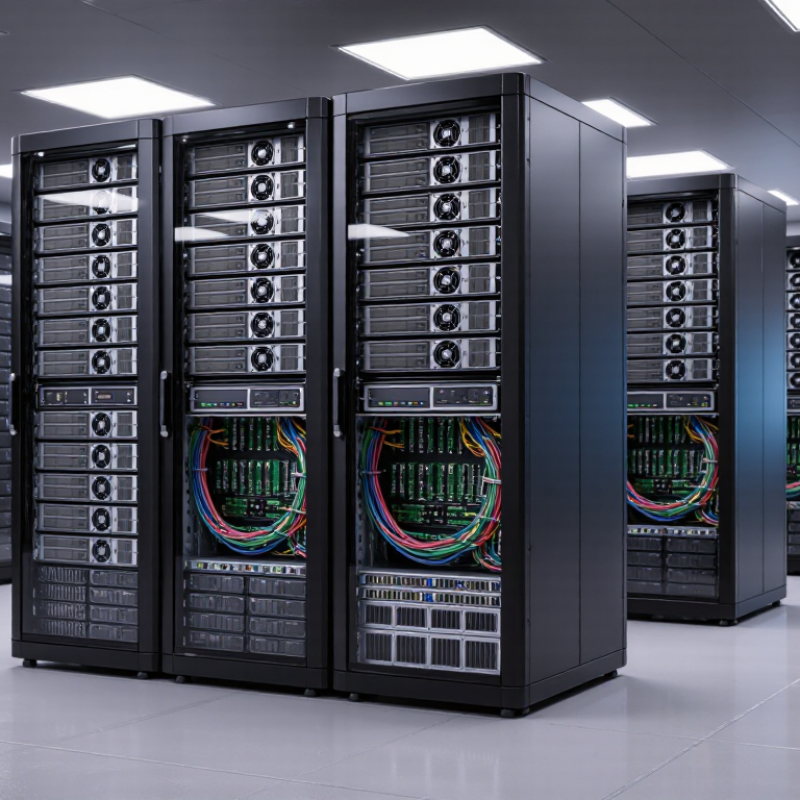
A China rackmount PC is a compact industrial computer built for standard server cabinets. Its 1U or 2U chassis saves valuable floor space. Many models use x86 processors, multiple network ports, storage bays, and optional remote management. Unlike ordinary desktops, they support continuous operation, controlled airflow, and easier maintenance. They are commonly used in factories, laboratories, security monitoring rooms, telecom sites, and small data centers.
The global need is practical, not limited to large enterprises. Edge computing sites often require local processing near machines, cameras, or sensors. IDC’s Worldwide Quarterly Server Tracker has repeatedly shown strong server demand from cloud, enterprise, and edge workloads. Uptime Institute’s 2023 outage analysis reported that about one-quarter of surveyed organizations experienced a severe outage costing over one million dollars. Reliable hardware matters. However, a low purchase price does not guarantee reliability. Buyers should examine thermal testing, component availability, firmware support, and warranty handling. I have seen specifications look impressive while airflow design remained unclear. That deserves careful review.
Tips: Check rack depth, power input, operating temperature, and rail compatibility before ordering. Request test records and sample units. Confirm recognized safety and electromagnetic certifications for your market. Ask how replacement parts will remain available after three years. A strong supplier should explain BIOS updates, remote support, and failure procedures clearly. Small oversights become expensive during a weekend outage.
Which Rackmount PC Form Factors and Configurations Are Available?
Rackmount PCs come in practical heights: 1U, 2U, 3U, and 4U. A 1U chassis measures 44.45 millimeters high and suits dense network, firewall, or light industrial workloads. A 2U system offers more space for expansion cards, larger cooling assemblies, and multiple storage drives. It is often the safer choice for continuous operation.
A 3U or 4U chassis supports stronger graphics processing, redundant power supplies, and additional drive bays. These systems fit edge analytics, video processing, automation, and local virtualization. IDC’s Worldwide Quarterly Server Tracker reported 99.1% year-over-year server revenue growth in Q2 2024, reaching 136.3 billion dollars. That surge reflects rising demand for accelerated computing, but not every workload needs a GPU. Oversizing wastes rack space, power, and budget.
Configurations also differ by processor, memory, storage, networking, and cooling design. Buyers can choose standard x86 platforms, ECC memory, NVMe or SATA drives, and copper or fiber networking. Some models use short-depth chassis for factory cabinets or telecom enclosures. Check rack depth carefully. A 19-inch width does not guarantee compatibility. ASHRAE guidance stresses airflow management and thermal limits, yet real sites often have blocked vents or uneven inlet temperatures. I have seen specifications look excellent on paper, then fail during maintenance because cable access was ignored. That detail deserves more attention.
How Should Global Buyers Compare Performance and Hardware Quality?
Global buyers should compare rackmount PCs by measured workload performance, not processor labels alone. A 2U system may look powerful, yet poor cooling can reduce sustained speed. Request SPEC CPU 2017 results, memory bandwidth figures, and storage IOPS under steady workloads. Short tests can mislead.
Hardware quality appears in small details. Check the power supply’s efficiency certification, fan redundancy, ECC memory support, drive hot-swap design, and operating-temperature range.
The Uptime Institute’s 2024 Global Data Center Survey reported that about 55% of respondents experienced an outage during the previous three years. This makes thermal control and serviceability practical buying criteria, not decorative specifications.
Ask for burn-in records, component traceability, and failure-rate data. Missing documents deserve attention.
IDC’s Worldwide Quarterly Server Tracker showed strong server-market growth in 2024, largely driven by accelerated computing demand. That growth can encourage rushed designs. Compare actual power draw at idle, 50% load, and full load. Measure noise too, especially for office-adjacent installations.
A rackmount PC that consumes 600 watts continuously may create considerable annual operating cost. I would also test boot recovery after a drive failure and inspect cable routing by hand.
It is not glamorous. It reveals workmanship. Some buyers overvalue peak benchmark scores and overlook firmware updates, spare-part availability, or regional warranty response times.
That is a mistake I have seen repeatedly. Reliable performance is sustained, documented, and serviceable.
What Standards, Certifications, and Compatibility Factors Matter?
For global buyers, rackmount PC selection starts with standards, not processor speed. A compliant chassis should follow the 19-inch EIA-310 mounting pattern. Confirm its 1U or 2U height, rail depth, cable clearance, and grounding points. A server that fits the front rails may still collide with rear power cables. Measure the cabinet twice.
Electrical and safety documentation needs careful checking. IEC 62368-1 addresses audio, video, information, and communication technology equipment safety. CE marking supports access to the European Economic Area, while FCC Part 15 addresses electromagnetic emissions in the United States. For other markets, buyers may also request UKCA, RoHS, REACH, or regional safety approvals. The certificate should match the exact model, power supply, and revision. Generic declarations are weak evidence. ISO 9001 certification can indicate controlled production, but it does not prove every unit is reliable.
Compatibility deserves practical testing. Verify 100–240 V AC input, 50/60 Hz operation, surge protection, operating temperature, and remote management support. Check PCIe slot length, memory type, storage interface, Linux or Windows drivers, and TPM availability. Uptime Institute’s 2024 Global Data Center Survey reported that 53% of respondents experienced an outage during the previous three years. Power and thermal planning therefore matter as much as compute performance. Ask for burn-in records, EMC test reports, failure-rate data, and spare-part policies. I would still request a sample unit. Paper compliance can miss noisy fans, tight rails, or unstable firmware.



